BMW ConnectedRide Cradle
BMW ConnectedRide Cradle
Kategorija: Mjere predostrožnosti
The BMW ConnectedRide Cradle and BMW Motorrad Connected app can make route orientation on a motorcycle tour much easier. On compatible BMW motorcycles, route guidance can be shown directly in the BMW display and key functions can be controlled with the BMW multi-controller wheel on the left handlebar.
This is a major advantage on guided and self-guided motorcycle tours. After the smartphone is connected via Bluetooth, it does not always need to remain mounted in the BMW ConnectedRide Cradle. Where supported, the route guidance can be shown in the motorcycle display while the phone stays protected in a jacket pocket, tank bag or another safe place.
Why It Is Useful on a Motorcycle Tour
On guided MotoGS WorldTours tours, riders do not need to navigate the tour themselves. The guide leads the route. However, having the route available in the BMW display can still be useful for orientation, confidence and safety, especially if a rider is temporarily separated from the group.
For self-guided or GPX-based motorcycle arrangements, the system can be even more important because the rider is responsible for following the route and managing the day independently.
Easy to Use
- Download the official BMW Motorrad Connected app.
- Create an account in the app and download the maps you need for your tour.
- Connect your smartphone to the BMW ConnectedRide Cradle via Bluetooth.
- Switch from the normal motorcycle display to navigation view where supported.
- Use the BMW multi-controller wheel on the left handlebar to operate key navigation functions, including zooming into the route guidance.
Official app download links:
Setup Videos
BMW app versions, phone models and software settings can change. For this reason, it is better to use current setup videos instead of relying only on written instructions.
Watch this video to see how to attach the smartphone in the BMW ConnectedRide Cradle:
BMW ConnectedRide Cradle smartphone mounting video
Watch this video to see how to connect your smartphone via Bluetooth to the BMW ConnectedRide Cradle and use the system:
BMW ConnectedRide Cradle Bluetooth setup and use video
Important Before the Tour
Prepare the app before the first riding day. Install updates, download maps, test the Bluetooth connection and make sure your phone, app and motorcycle setup work together.
No navigation system replaces safe riding, the guide’s instructions or real road conditions. Weather, road closures, ferry schedules, traffic or border timing may require route changes during the tour.
Useful MotoGS WorldTours Information
Before joining a guided or self-guided motorcycle tour, useful MotoGS WorldTours information includes:
- motorcycle tour calendar
- motorcycle tour FAQ
- packing list for a motorcycle tour
- Global Rescue travel support
If you have questions about your MotoGS WorldTours booking, motorcycle setup, route information or tour preparation, you can contact MotoGS WorldTours directly.
Podijeli svoje mišljenje
Podijeli svoja iskustva, pitanja ili prijedloge!
Komentari drugih motorista
Još nitko nije komentirao – što ti misliš?
Blog kategorije
Moto Ture

Balkan-Italija Moto Avantura
Otprilike 3750 km!
15 dana putovanja kroz 5 zemalja!
15 noćenja + 2 noćenja na trajektu!

Balkan-Karpati-Albanske Alpe Moto Avantura 2
Otprilike 5050 km!
21 dana putovanja kroz 7 zemalja!
26 noćenja!

Balkan-Rumunjska Moto Avantura
Otprilike 3500 km!
11 dana putovanja kroz 5 zemalja!
12 noćenja!

Balkan-Karpati-Albanske Alpe Moto Avantura 1
Otprilike 4055 km!
15 dana putovanja kroz 7 zemalja!
18 noćenja!

Hrvatska-Italija-Francuska Moto Avantura
Otprilike 3550 km!
15 dana putovanja kroz 4 zemalja!
17 noćenja + 1 noćenje na trajektu!
Hrvatska-Sicilija-Amalfijska Moto Avantura
Otprilike 4390 km!
18 dana putovanja kroz 3 zemalja + Sicilija !
21 noćenja + 1 noćenje na trajektu!

Novi Zeland Moto Avantura
Otprilike 6650 km!
20 dana vožnje kroz Južne i Sjeverne otoke!
24 noći + 1 noć na kruzeru!
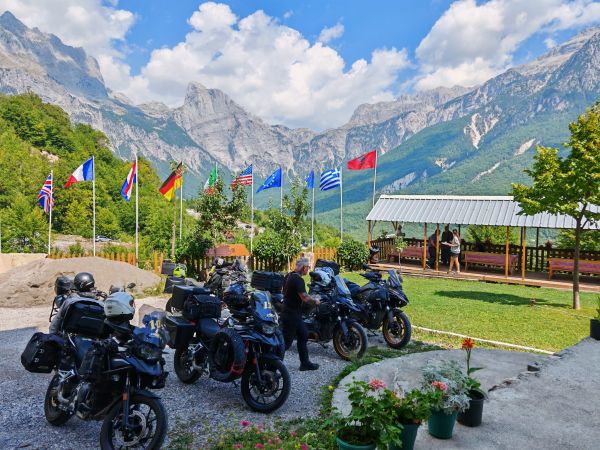
Albania Motorcycle Tour Balkans 2026
Seven Riders, Seven Countries, 4,648 km: Our Motorcycle Tour Through Albania and the Balkans, August 2026.

Guided Balkan Motorcycle Tour 7 Countries 95% Asphalt
Seven Balkan countries, extraordinary routes off the tourist track, ~95% asphalt and no highways ...

Croatia - Route des Grandes Alpes, July 2025
2 Americans - 1 boy and 1 girl, 1 motorcycle - a BMW R1250GS, one motorcycle tour and one goal ...

Balkans - Romania Tour, June 2025
At the end of June 2025, the time had finally come. Between June 23 and June 25, all participants in this tour gradually arrived in Trogir.

Balkans - Italy Tour, May 2025
Together we covered about 3700 km, crossing the Adriatic twice, from Durrës to Bari and from Ancona to Split.

Customer Money Protection
Customer money protection before payment — why advance payments for motorcycle tours should never be based on trust alone.
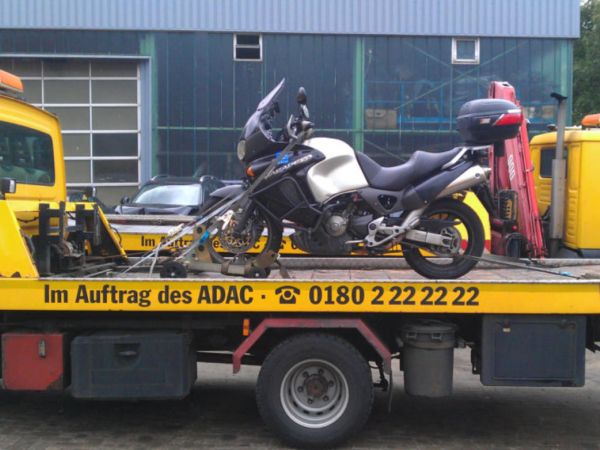
Motorcycle Excess and Damage Risk
Understand motorcycle excess and optional excess insurance before joining a tour with a rented or provided motorcycle.

Packing List for a Motorcycle Tour
Pack light, ride better: a practical motorcycle tour packing list for guided and self-guided touring with luggage on the motorcycle.
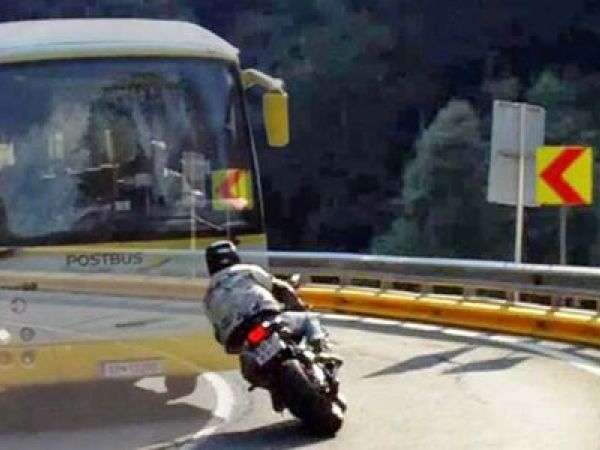
Safety training and correct cornering!
A small but important journey through the topic of safety training and correct cornering!

Motorcycle Route Planning
Good motorcycle routes are planned around roads, timing, logistics and real riding experience — not just map points.

Motorcycle Group Tours
Group ride or solo ride — how to choose the right riding style for your next motorcycle tour.

The International Driving Permit
International Driving Permit for motorcycle tours — why your licence documents must be clear before the ride starts.
